Registration
Scenario
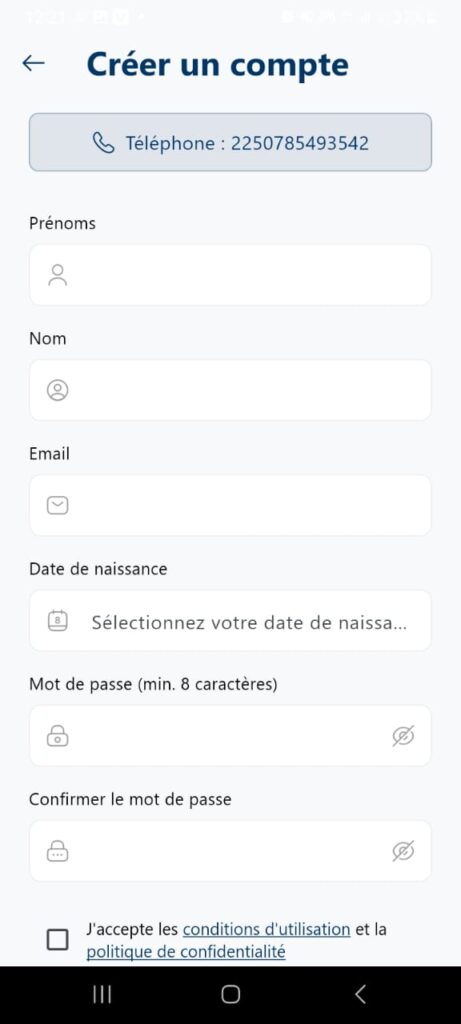
The user opens the application for the first time, enters their phone number, and gains access to this page which allows them to enter their information to create their account.
Steps
Open the application for the first time, you will have a page to enter a phone number, enter it.
Then click on the Continue button.
The Registration page will be displayed with your phone number.
Fill in all the fields.
Then click on the Continue button.
Expected result
The registration must be completed without any problem and redirect the user to the OTP page.
Actual result
[Success]