Profile / Secondary Number
Scenario
The user must be able to click on the secondary number menu and display the list of numbers added to their account.
Steps
- Register if you have not already done so
- Log in with a correct password
- Access the home page after a successful login
- Then click on the balance followed by the settings icon
- Click on the secondary number menu
Expected result
The list of numbers must be displayed without any issue, and the user must be able to add, edit, and delete a number.
Actual result
Failure
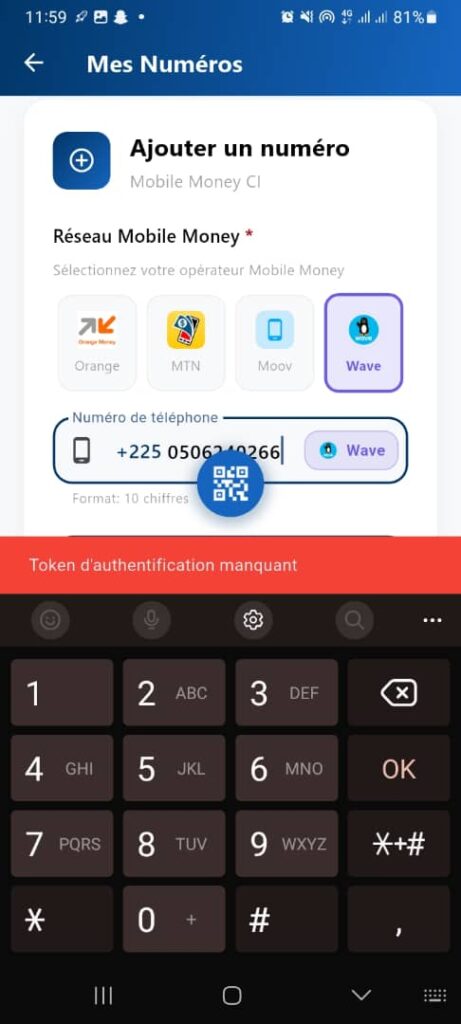
When I enter my number, the system says that the number already exists, but it is not displayed in the list of numbers shown.
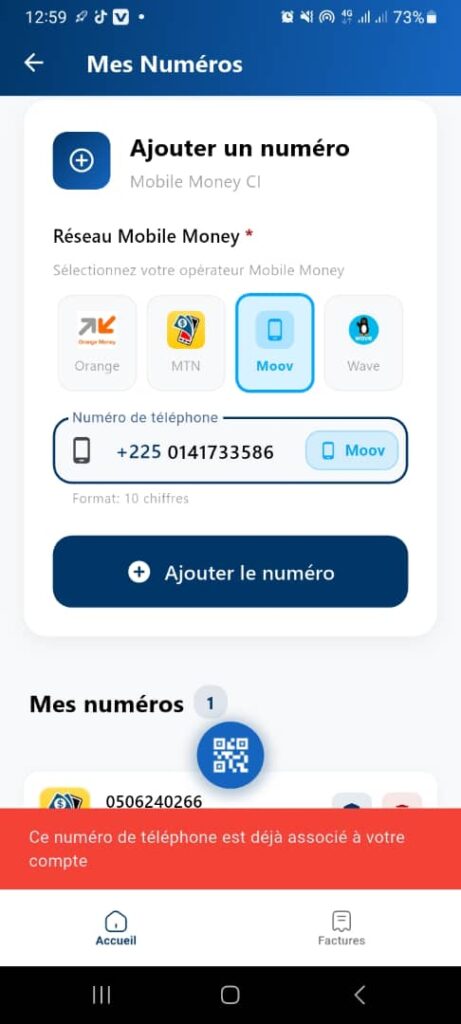
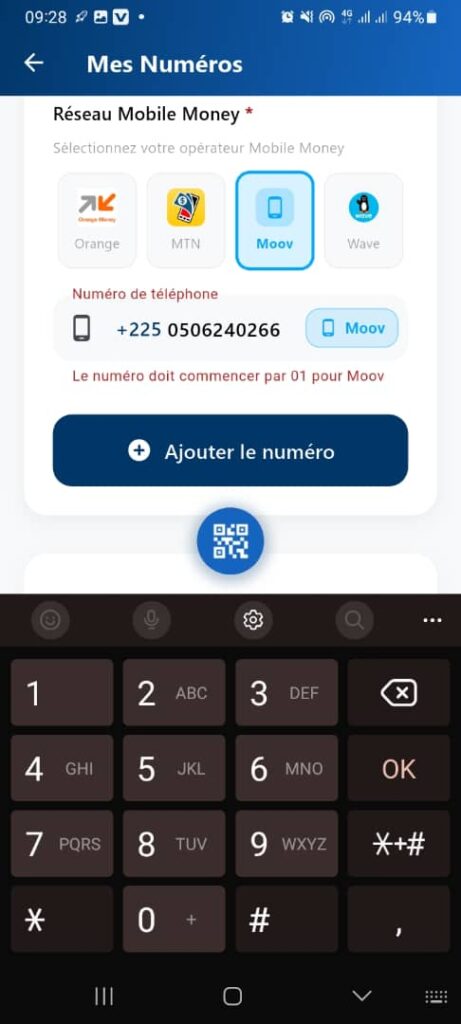
After receiving the message for secondary number 1, I entered my MTN number and then I received an error — here is the error in the screenshot. I had to click on the MTN logo.
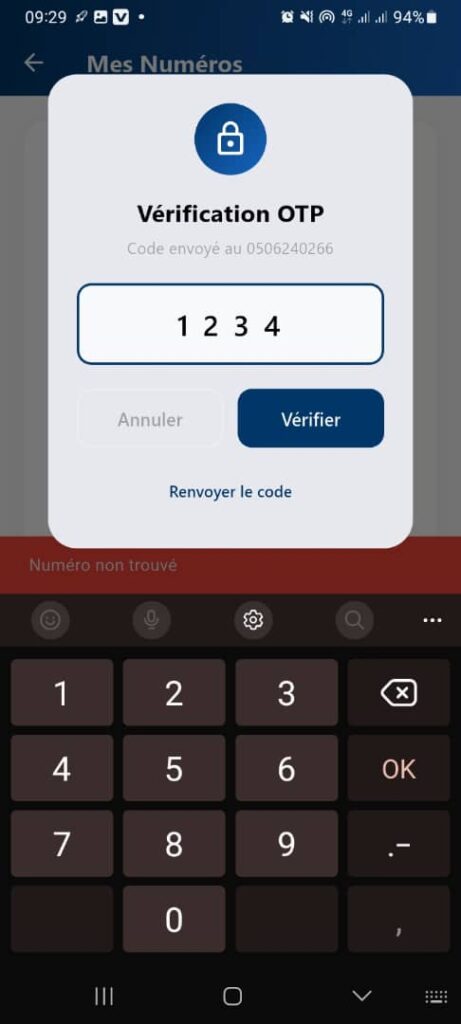
We cannot delete the secondary numbers created, and the OTPs are not going through.