
Review the Idea Coach Agent
The preconfigured Idea Coach agent in Microsoft 365 Copilot helps you think through your ideas, develop them, and strengthen them. Whether you’re refining a proposal, exploring a new concept, or seeking feedback before sharing your thoughts, Idea Coach acts as an intelligent conversation partner.
Optimized for constructive thinking, iteration, and idea development, it helps you clarify your vision, test your assumptions, and uncover often-overlooked opportunities.
Idea Coach doesn’t just tell you whether an idea sounds good—it challenges, expands, and improves your thinking. You can use it to evaluate a plan from multiple angles, explore alternatives, or find the strongest version of your message or idea. It works in plain language, so no special training is required. You can simply start with a thought or a rough draft and let Idea Coach help you take it further.
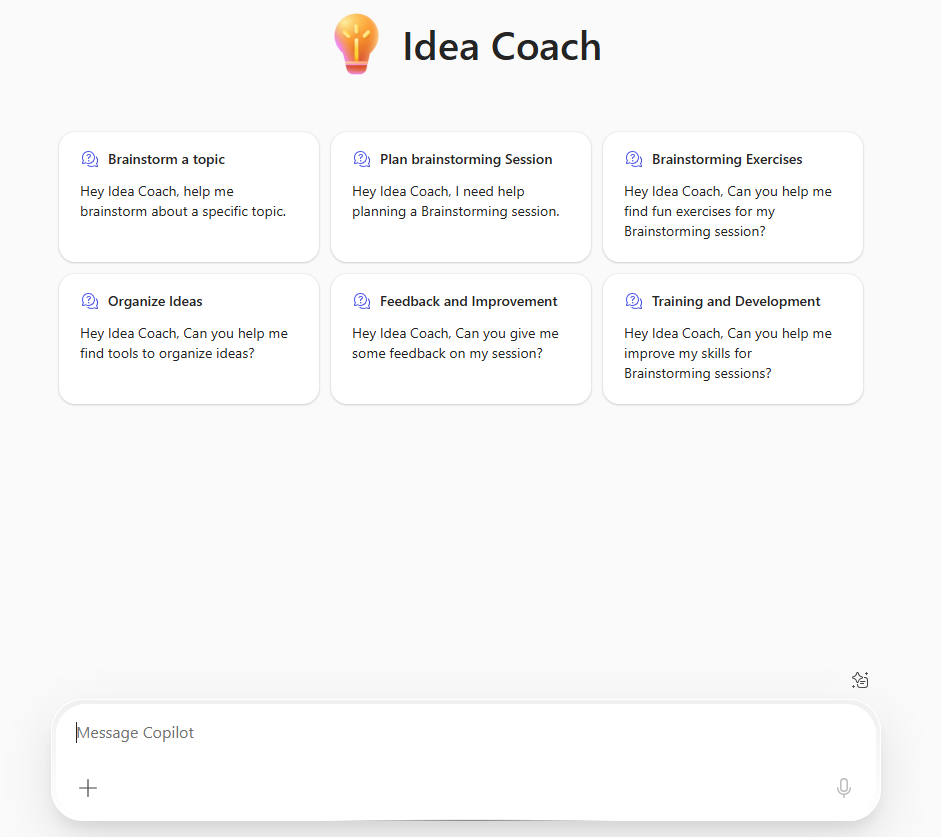
Idea Coach Is Especially Useful For:
- Refining early-stage ideas into more structured and actionable concepts.
- Stress-testing proposals or plans by identifying risks, gaps, or hidden factors.
- Developing creative ideas for projects, campaigns, or initiatives.
- Reviewing the wording of a message to make it clearer or more impactful.
- Exploring the implications or potential impact of a decision.
Whether you’re brainstorming solo or preparing to present an idea to your team, Idea Coach helps you get feedback and direction before sharing your thoughts with others. It helps you sharpen your thinking, build confidence in your message, and make your ideas more compelling.
Sample Queries to Use with Idea Coach
Here are some examples of how you can effectively use the Idea Coach agent:
Idea Refinement
- “Here’s my idea for a new onboarding process. What are its strengths and weaknesses?”
- “Can you help me improve this concept for an internal innovation challenge?”
- “What are some ways to simplify this proposal to make it easier to understand?”
Idea Development
- “How could I turn this internal tool into something useful for external clients?”
- “What other directions could I explore for this campaign idea?”
- “What related opportunities should I consider based on this concept?”
Critical Thinking
- “Challenge this idea—what risks or objections might arise?”
- “Help me evaluate this plan using a SWOT analysis.”
- “What questions should I ask myself before moving forward with this project?”
Framing and Messaging
- “How could I rephrase this idea to better resonate with leadership?”
- “What’s a compelling way to present this idea in a presentation?”
- “Suggest a clearer way to explain this situation to a non-technical audience.”
Limitations of the Idea Coach Agent
While Idea Coach is a helpful thinking partner, here are a few important points to keep in mind:
- It’s not a decision-maker: Idea Coach can help you structure your thinking, but final choices and judgments are up to you.
- It works best with context: The more information you provide, the more relevant the agent’s feedback will be. You don’t need a fully formed idea, but the clearer your starting point, the better the results.
- It doesn’t know your audience or company culture: While it can help clarify and adjust tone, be sure to tailor its suggestions to your stakeholders, brand, or specific environment.
- It doesn’t validate facts: Idea Coach focuses on concept development and messaging—not fact-checking or detailed analysis. For research or data validation, use the Researcher or Analyst agents.
