
Review the Writing Coach Agent
The preconfigured Writing Coach agent in Microsoft 365 Copilot helps you create better and more impactful content—whether you’re writing an email, a report, a presentation, or any other type of document. With its natural language processing capabilities, Writing Coach helps you refine your text by offering suggestions on clarity, tone, structure, and style.
Optimized for professional writing, Writing Coach can transform your drafts into polished, coherent texts ready to be shared with your audience.
You don’t need to be a professional writer to benefit from Writing Coach. For example, when you’re drafting a formal report, a persuasive email, or a creative proposal, Writing Coach can help you communicate your ideas clearly and effectively. It can improve all aspects of your writing—from grammar to flow—while preserving your style and intent.
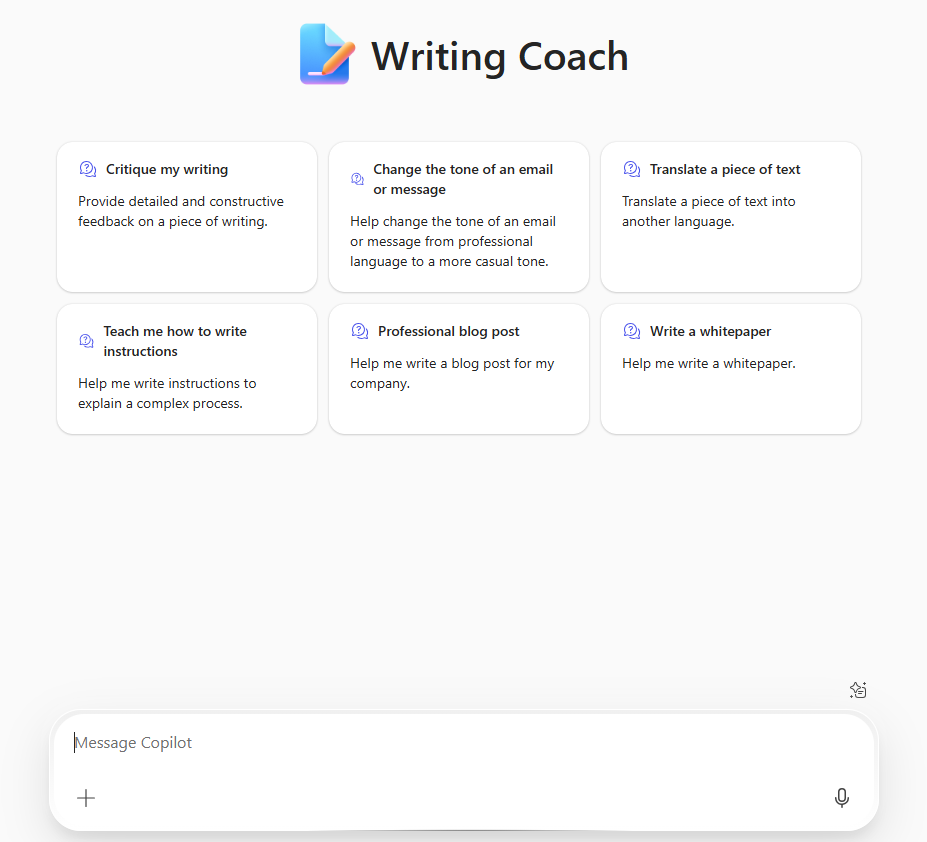
Writing Coach Is Especially Useful For:
- Improving the clarity, structure, and tone of your text
- Rewriting or refining drafts to enhance readability
- Generating ideas for introductions, conclusions, or transitions
- Offering suggestions to make your writing more persuasive or engaging
- Checking consistency in style, formatting, and punctuation
- Adapting your writing for different audiences or communication goals
Writing Coach helps you communicate your ideas clearly and professionally—whether you’re writing an email to a colleague, a business proposal, or content for a marketing campaign. It provides the guidance you need to communicate with clarity, professionalism, and impact.
Sample Queries to Use with Writing Coach
Refinement and Revision
- “Can you help me rewrite this email to make it sound more professional?”
- “What’s a better way to phrase this paragraph for clarity?”
- “Check the tone of this report to ensure it’s formal but accessible.”
Structure and Organization
- “Suggest an introduction for this document on the company’s new marketing strategy.”
- “Help me improve the flow of this proposal to make it easier to follow.”
- “Can you suggest transitions between these sections to make the text more cohesive?”
Style and Tone
- “How can I make this email more persuasive?”
- “Rewrite this email to make it more positive and motivating.”
- “Is the tone of this report too informal for a board meeting?”
Grammar and Consistency
- “Check this document for grammar or spelling errors.”
- “Ensure this report follows consistent formatting and punctuation.”
- “Can you fix the sentence structure and suggest improvements?”
Audience Adaptation
- “How can I adapt this message for an executive leadership team?”
- “Rewrite this blog post to better resonate with a younger audience.”
Limitations of the Writing Coach Agent
While Writing Coach is a powerful tool, here are a few things to keep in mind:
- It doesn’t create content: Writing Coach helps you refine and improve content, but it doesn’t generate full documents or ideas from scratch. You need to provide the base content, and Writing Coach helps enhance it.
- It doesn’t provide subject-matter expertise: Writing Coach can improve structure, clarity, and style, but it doesn’t validate facts, data, or technical accuracy. For content-specific feedback, consulting a domain expert may be necessary.
- It doesn’t replace human proofreading: While Writing Coach catches many writing issues, a final review by a colleague or expert is still recommended—especially for critical or sensitive communications.
- It doesn’t fully understand all contexts: If your content is specialized or requires industry-specific knowledge, Writing Coach may not fully grasp your goals. It might suggest changes that don’t align perfectly with your intent.
