Version 2 of the IretiPay application
Notifications
Location
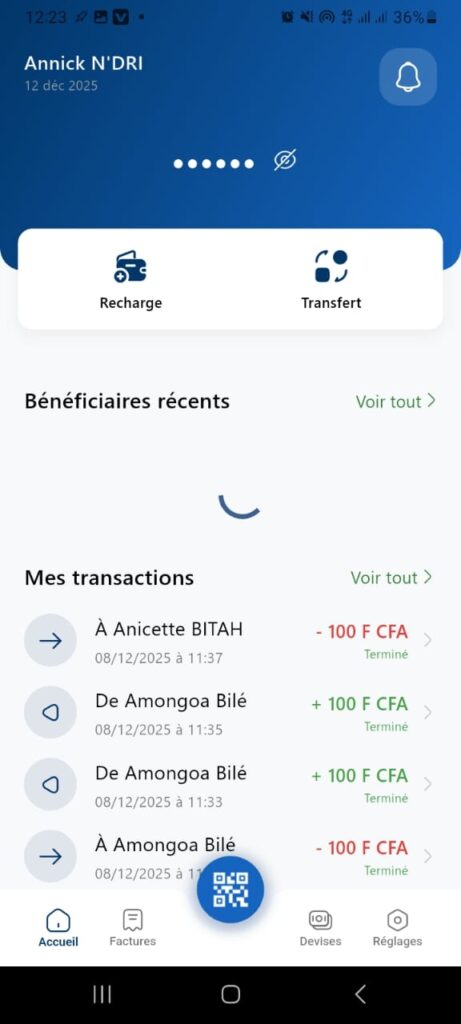
Home Page > Notification icon
Objective
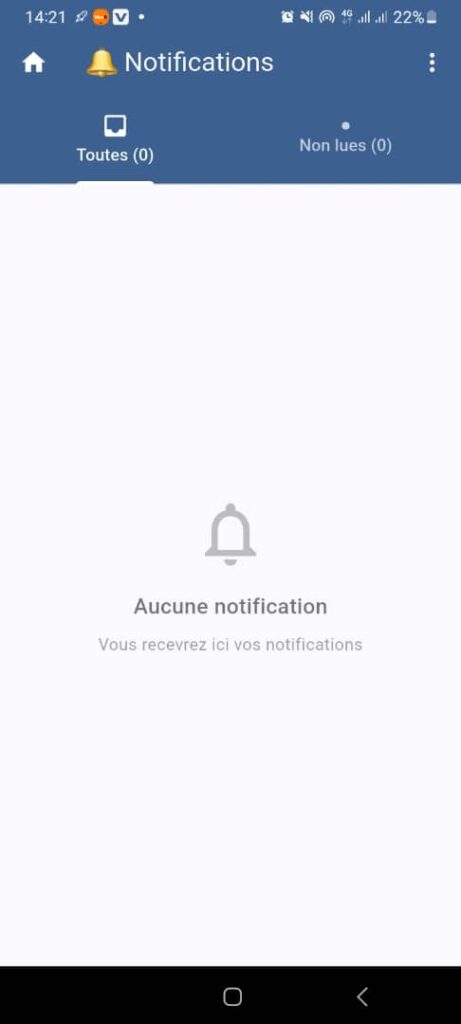
This page allows the user to view notifications received in the application, whether read or unread.
Visible Elements
1. Title and Icons
- Main title: Notifications
- Bell icon to the left of the title: represents the notifications section.
- Home icon (top left): returns to the home page.
- Menu icon (three vertical dots, top right): access to additional options (e.g., notification settings).
2. Filtering Tabs
- All (0): displays all notifications (current count: 0).
- Unread (0): displays only unread notifications (current count: 0).
- Visual indicator: gray dot next to “Unread”.
3. Content Area
- Gray bell icon in the center.
- Message: No notifications
You will receive your notifications here - Current state: no notifications available.
Expected Behavior
- Display notifications:
If notifications exist, they appear as a list with details (title, description, date). - Filtering:
The user can switch between All and Unread to filter notifications. - Menu options (three dots):
May include actions such as Mark all as read, Settings, etc.
Error Cases
- If no notifications are available, display the current message: No notifications.
- If notification retrieval fails, display an error message: Unable to load notifications.
Target Audience
Users who want to track alerts, updates, or important messages related to their account or the application.