Frequent Postings
Frequent Postings is an integral feature that ease an accountant’s tasks and aid in reducing errors. They rely on pre-configured Accounting Rules, and thus the accounting transactions involving debit/credit accounts are predefined too.
This enables users with non-accountant roles to do transactions. By simply selecting an accountant rule and providing the transaction details, one can perform a transaction.
Adding Frequent Postings
In order to add Frequent Postings, follow the steps below:
- On the welcome page, click on the Accounting tab on the toolbar.

2. This will open the Accounting menu.
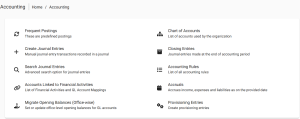
3. Select Frequent Postings:
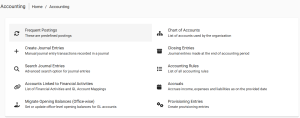
4. Fill in the details
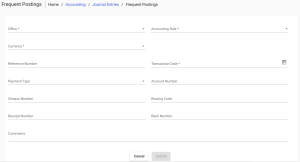
- Select Office: example: Head Office
- Select Currency: Cfa
- Provide the amount : Note: The value of the debit must be equal to that of the credit
- Select the Accounting Rule: example: Salaries to employes
- selected the transaction date
5. Once you have provided the amounts for the transaction, click on the ‘Submit’ button.
Viewing the Transaction
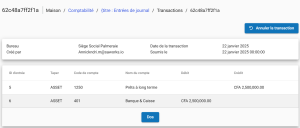
After clicking on the submit button, you can see a summary of the completed transaction with details: