
Phenix Tools
Language
Navigation : Login, username [top right corner] > Settings then Main Configuration
To change the language, you can select your preferred language from the dropdown menu.
NOTE: Fields marked with an asterisk (*) are mandatory.
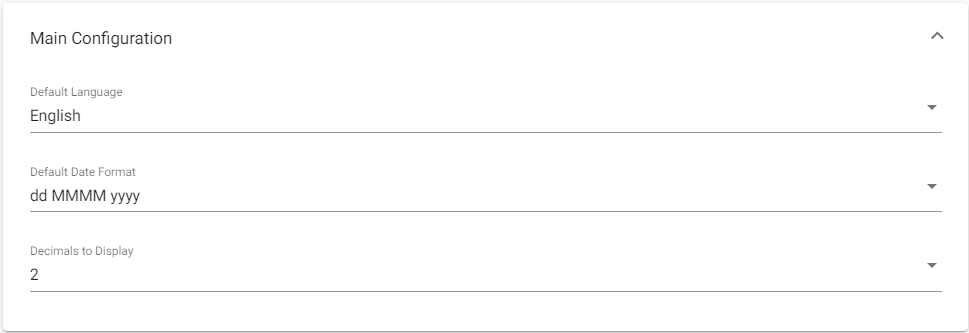
Supported languages are:
| SI # | Supported Languages |
| 1 | English |
| 2 | French |
| 3 | Spanish |
| 4 | Portuguese |
| 5 | Chinese |
| 6 | Georgian |
| 7 | |
| 8 | |
| 9 |
